
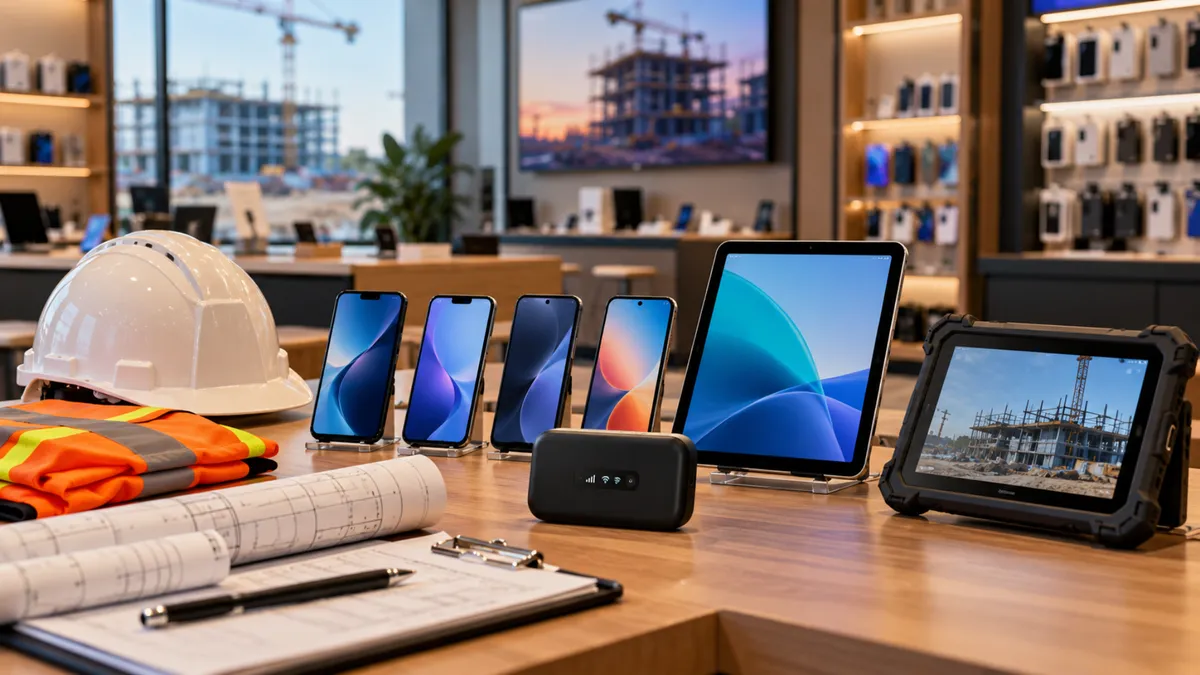
Your Next Wireless Customer Could Be a Business Owner
Your Next Wireless Customer Could Be a Business Owner
A customer walks into your wireless store and asks for a hotspot.
You show them a device and explain the monthly plan. But before they leave, you find out they own a construction business and have several employees working at different job sites.
Now the conversation is different.
They may need the internet for their crews, phones for employees, or tablets for managing daily work.
Many wireless dealers focus on customers looking for personal phone service. But small businesses can have wireless needs too.
The opportunity starts when you understand how the business operates instead of treating every visit as a single-device sale.
Small Businesses Need More Than Phone Service
Think about the businesses operating around your store.
Construction companies, delivery services, cleaning businesses, restaurants, and small retail shops all depend on communication.
Their employees may need to make calls, send photos, access schedules, process orders, or communicate with customers.
Some work from one location. Others move throughout the day.
A business owner may walk in asking for one phone, but that does not necessarily mean they only need one device.
Ask how many employees use phones for work, where those employees operate, and whether they have trouble staying connected.
These questions can help you understand whether the customer needs a simple activation or a broader wireless solution.
Mobile Internet Can Help Businesses Work Away From the Office
Not every business operates behind a desk.
Contractors may need internet at job sites. Delivery teams may need access to schedules and maps. Temporary events may need connectivity for daily operations.
A mobile hotspot can provide internet access where compatible cellular service is available.
But dealers should not recommend a hotspot without understanding how the customer plans to use it.
Ask questions such as:
Where will you use the hotspot?
How many people or devices need to connect?
Will employees use email, video calls, or business applications?
Will the connection be used occasionally or throughout the day?
How much data do you expect to need?
These details matter because hotspot performance depends on coverage, network conditions, device capabilities, and plan restrictions.
For example, a contractor checking emails may have different needs from a team uploading large project files.
The right recommendation starts with understanding the workload.
Tablets Can Make Everyday Business Tasks Easier
Phones are not the only devices small businesses use.
Tablets can help employees manage orders, collect signatures, review inventory, complete forms, or assist customers.
Imagine a small restaurant that wants a tablet for managing orders.
Or a cleaning company that wants employees to complete job checklists before leaving a customer's property.
These businesses may benefit from portable devices that support their daily tasks.
Before recommending a tablet, ask how it will be used.
Will it stay inside the business where Wi-Fi is available?
Or will employees take it to different locations?
A Wi-Fi-only tablet needs access to a Wi-Fi connection. A compatible cellular tablet with an appropriate data plan may be more suitable for work away from Wi-Fi.
Dealers should also consider accessories such as protective cases, screen protectors, keyboards, and charging equipment.
The goal is not simply to sell a tablet.
It is to help the business choose a device that works for its daily operations.
Business Devices Need More Than a Password
When employees use phones and tablets for work, businesses also need to think about security.
What happens if an employee loses a company phone?
Who can access customer information?
What happens when an employee leaves the business?
These questions matter because work devices may contain business accounts, customer information, and important files.
Basic protection starts with strong passcodes, updated software, secure accounts, and clear rules about device access.
Some businesses may also benefit from device-management tools that help separate work information from personal information or manage company applications.
For example, supported Android Enterprise configurations can separate work apps and data from personal content.
More advanced controls, such as remote management or removal of work data, depend on the device, management software, enrollment, and configuration.
Wireless dealers should understand these differences before promising specific security features.
If a business needs advanced device management, it may require help from a qualified IT or device-management provider.
One Hotspot Question Can Lead to a Bigger Business Conversation
Imagine a landscaping business owner visits your store looking for mobile internet.
They explain that their employees travel between several properties every day.
Instead of immediately showing the available hotspot options, you ask how the team works.
You discover that the business has five employees using personal phones to communicate about schedules, job locations, and customer requests.
The owner also wants a tablet for managing work orders.
Now you understand the bigger picture.
The customer may need a hotspot, additional phone lines, a tablet, or accessories.
Not every business will need all these products, and not every wireless plan is suitable for commercial use.
But asking questions helps you identify what is relevant before making a recommendation.
One conversation can reveal needs that were not obvious when the customer first entered the store.
Ask These Questions Before Recommending Business Devices
When someone mentions that they own or manage a business, take a moment to learn how they operate.
Start with these questions:
1. What kind of business do you run?
This helps you understand whether employees work in a store, office, vehicle, or job site.
2. How many employees need phones or internet?
The answer can reveal whether the customer needs one connection or several.
3. Where will the devices be used?
Coverage and connectivity needs may change depending on the location.
4. What do employees use their devices for?
Calls, messaging, navigation, payment systems, and video meetings can have different requirements.
5. Do you already have company phones or tablets?
Some customers may need new devices. Others may only need compatible service.
6. What problems are you having with your current setup?
This helps identify the reason they are looking for a change.
7. Who handles device setup and employee access?
This can reveal whether the business needs additional technical assistance.
You do not have to ask every question at once.
Use the conversation to understand what matters most.
Make Business Wireless Solutions Easy to Understand
Small business owners are often busy running their operations.
They may not be familiar with wireless terminology, device specifications, or different types of data plans.
Your job is to make the conversation easier.
Instead of explaining every technical feature, connect the recommendation to how the business works.
For example:
When discussing mobile internet:
“Where will your team use the connection, and what kind of work will they do online?”
When discussing tablets:
“Will your employees use these inside the store or take them to customer locations?”
When discussing multiple phone lines:
“How many employees need to stay connected during the workday?”
When discussing device security:
“Are these company-owned devices, or will employees use their personal phones for work?”
These questions are simple, but they help uncover important details.
The more clearly you understand the business, the easier it becomes to explain suitable options.
Business Customers Can Create Long-Term Store Opportunities
Helping a small business is not always about one transaction.
A business may begin with one phone and later need additional lines as it hires employees.
Devices may need to be replaced or upgraded.
Employees may need chargers, cases, or other accessories.
Some businesses may also need help understanding service changes or activating compatible replacement devices.
These are potential opportunities for wireless dealers to build ongoing customer relationships.
However, the goal should not be to sell unnecessary products.
It should be to understand what the business needs today and remain a helpful resource when those needs change.
When customers know your store can explain wireless options clearly, they have more reason to return.
Avoid These Mistakes When Helping Business Customers
Business customers may have different requirements from personal wireless users.
Here are some mistakes dealers should avoid.
Recommending a plan without checking usage
A plan that works for occasional browsing may not fit employees who regularly upload files or use video meetings.
Promising coverage without checking the location
Service can vary between job sites, buildings, and geographic areas. Coverage maps are useful, but they do not guarantee performance.
Selling devices without checking compatibility
Confirm that the device supports the intended network, applications, and business requirements.
Assuming every plan allows every business use
Review the applicable carrier terms, hotspot allowances, data restrictions, and eligibility requirements.
Promising advanced device-management features
Not every device or service includes business management tools. Verify what is supported before making commitments.
These steps help dealers make more accurate recommendations and set realistic expectations.
Start Finding Business Customers Already Visiting Your Store
You do not need to completely change your store to begin recognizing small business opportunities.
Start with a few practical actions.
1. Ask customers whether they use their phones for work.
A simple question can reveal business needs.
2. Learn which available plans support relevant business use cases.
Understand the requirements, limitations, and eligibility before recommending them.
3. Review the devices and accessories you already carry.
Identify products that may be useful for employees working in stores, vehicles, or job sites.
4. Train employees to recognize business-related questions.
Listen for mentions of employees, deliveries, job sites, multiple lines, or company devices.
5. Follow up when appropriate.
A business may not need additional devices today, but its requirements can change as it grows.
Small conversations can help dealers discover opportunities they may otherwise miss.
Think Beyond One Phone and One Activation
A customer asking for a phone may be purchasing it for an employee.
Someone asking for a hotspot may be trying to connect an entire work crew.
A person looking for a tablet may be managing orders for a growing business.
These situations remind us that wireless stores can serve more than individual phone users.
The opportunity is not about making every customer buy more.
It is about asking better questions, understanding real needs, and recommending available solutions that make sense.
The next time a customer mentions their business, do not stop at the product they asked for.
Find out what they are trying to accomplish.
Explore More Wireless Business Opportunities With UPD
Independent wireless dealers need access to useful information, available offers, and dependable support as they look for new ways to serve customers.
At Unlimited Prepay Distribution (UPD), we're focused on helping wireless dealers explore opportunities, understand available wireless products and services, and grow their businesses.
Whether you are serving individual customers or exploring opportunities with local businesses, knowing what you can offer is an important first step.
Want to explore more opportunities for your wireless store? Connect with Unlimited Prepay Distribution and learn how UPD can support your dealer business.


