
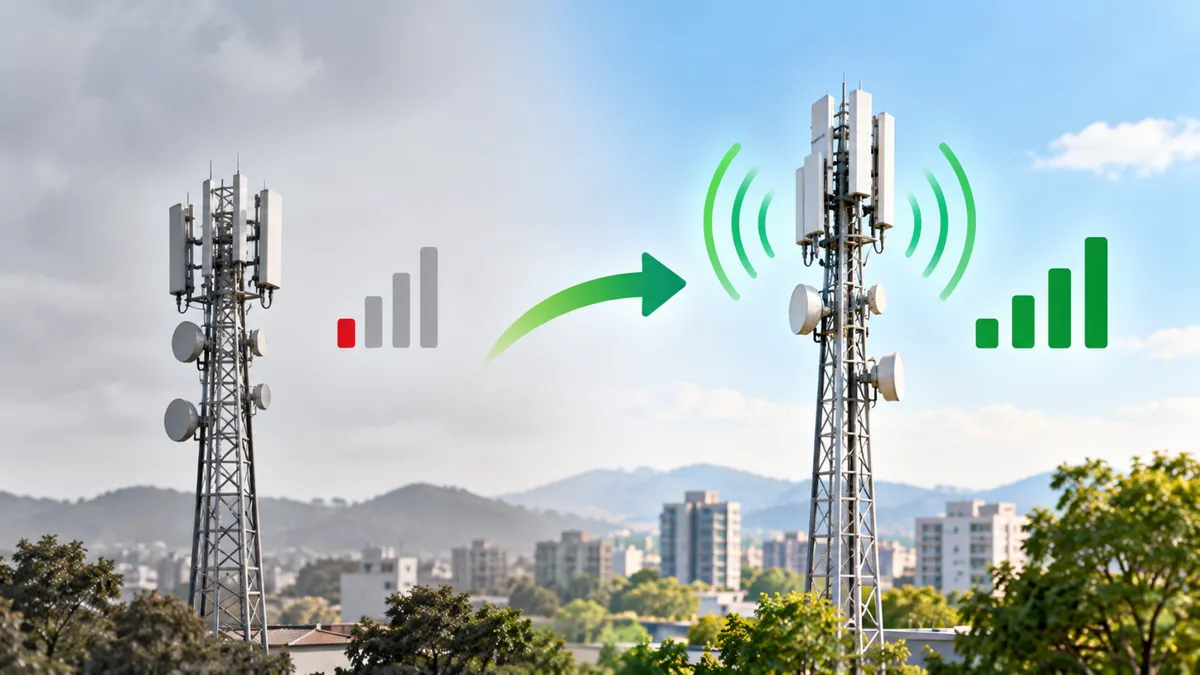
Why Pay Attention to Network Upgrades in Their Area
Why Pay Attention to Network Upgrades in Their Area
A customer walks into your wireless store and asks a familiar question.
“Which carrier has the best coverage around here?”
Your employee may already have an answer based on what customers have said in the past.
But wireless networks do not stay exactly the same.
Carriers expand coverage, upgrade equipment, change network configurations, and improve capacity in different locations.
That means an area that had weak service before may perform differently today.
It also means a carrier that works well in one neighborhood may not provide the same experience somewhere else.
For independent wireless dealers, understanding network changes can help employees answer customer questions more accurately and recommend services with greater confidence.
Wireless Service Depends on More Than the Phone
Customers often judge their wireless experience by the device they use.
If calls drop or mobile data becomes slow, they may assume something is wrong with their phone.
But wireless performance depends on several factors.
The device must connect to a compatible network.
That network depends on cell sites, antennas, radio equipment, and connections that carry traffic between network locations and the wider internet.
Customer experience can also be affected by building materials, distance from cell sites, terrain, congestion, device compatibility, and plan-specific service conditions.
This is why two customers using different phones or services may have different experiences in the same general area.
Employees should understand that wireless performance is the result of several connected systems.
What Happens When a Cell Tower Gets Upgraded?
Carriers may upgrade network equipment for different reasons.
An upgrade might involve adding supported frequency bands, improving equipment, increasing capacity, or changing how a cell site operates.
Depending on the work completed, some customers may experience improved service.
For example, a network upgrade might help support more users in a busy area.
Another project might improve service availability in certain locations.
However, not every upgrade produces a noticeable improvement for every customer.
Coverage still depends on the network's configuration, device compatibility, local conditions, and other factors.
A tower upgrade also does not necessarily mean a new tower has been built.
Dealers should avoid telling customers that an upgrade guarantees faster speeds or stronger coverage unless the specific claim is supported by current provider information.
Why Fiber Connections Matter to Wireless Networks
Many customers think fiber internet and cellular service are completely separate.
But fiber can play an important role in telecommunications infrastructure.
Cell sites need connections that carry data between the site and the rest of the network.
This function is commonly called backhaul.
Fiber is one technology that can provide these connections.
Other technologies, including microwave links, may also be used.
For example, a cell site may have modern radio equipment but still depend on the capacity of its backhaul connection.
Improving that connection may help support network traffic.
However, installing fiber in a neighborhood does not automatically mean that cellular coverage will improve.
A fiber project may serve homes, businesses, or other infrastructure without changing the local mobile network.
Dealers should understand the connection between these systems without treating every construction project as a wireless upgrade.
A New Tower Does Not Always Mean Better Service for Everyone
Imagine a customer tells your employee:
“They just built a new tower near my house. Does that mean my phone will work better?”
It is a reasonable question.
But the answer depends on several details.
The tower may belong to a different carrier.
It may not be operational yet.
The equipment may use network bands that the customer's device does not support.
Or the project may not serve the exact area where the customer experiences problems.
A better response would be:
“A new tower could improve service, depending on which network uses it and whether it is active. Let's check the current coverage information for your location.”
This gives the customer a useful answer without promising something the store cannot verify.
Coverage Maps Are Helpful, but They Are Not Guarantees
Carrier coverage maps are useful tools for wireless dealers.
They can help employees identify where a provider expects service to be available.
But a coverage map is not a guarantee that every customer will receive the same performance.
Maps are generally based on network information and modeling assumptions.
Actual service can vary because of buildings, terrain, congestion, weather-related conditions, and other factors.
Indoor coverage can also differ from outdoor coverage.
For example, a customer may have a usable signal outside their home but experience weak service inside a room surrounded by thick walls.
That does not necessarily mean the coverage map is inaccurate in every respect.
It means real-world conditions matter.
Employees should use maps as a starting point, not as a promise.
Ask Where the Customer Actually Uses Their Phone
Before recommending a wireless service, employees should understand where the customer needs it.
Imagine someone visits your store looking for a new prepaid plan.
Your employee asks:
“Where do you use your phone most often?”
The customer explains that they work in one city but live in a rural area.
That information changes the conversation.
A service that performs well near the store may not be the best option for the customer's home location.
Ask practical questions.
Do they need reliable service at home?
Do they travel regularly?
Do they spend time inside large buildings?
Do they use mobile data while working?
Are there particular locations where their current service struggles?
These questions help employees make more relevant recommendations.
When a Customer Says Their Data Is Slow
Slow mobile data does not always mean the customer needs a new phone or carrier.
There are several possible causes.
The customer may be in an area with weak signal.
The network may be congested.
Their device may not support certain network features.
Their plan may have reached a data threshold that changes available speeds.
An application or device setting may also be contributing to the problem.
Before recommending a switch, ask when and where the slowdown happens.
For example:
“Does it happen everywhere, or mainly when you're at work?”
If the customer says it only happens inside one building, that may point toward a location-specific issue.
If it happens across multiple locations, further troubleshooting may be appropriate.
Employees should avoid assuming that every slow-data complaint is caused by the network.
Local Network Changes Can Create New Customer Conversations
Imagine your store serves a neighborhood where customers have frequently complained about limited coverage.
Later, a carrier announces a network expansion in that area.
That announcement may be worth investigating.
Check the carrier's official information.
Confirm whether the improvement applies to the relevant location and whether the service is available through your authorized dealer programs.
If the information is current and accurate, your team may be able to discuss it with customers who previously had coverage concerns.
For example:
“The provider has updated its coverage information for your area. If you're interested, we can review the available plans and device requirements to see whether the service might fit your needs.”
This creates a useful conversation.
But avoid promising that the customer's experience will improve simply because an announcement was made.
Keep Your Employees Updated on Available Networks
Wireless employees spend much of their time explaining plans, prices, devices, and promotions.
Network information deserves attention too.
Employees should know which services are available through the store's authorized programs.
They should understand where to find official coverage information.
They should also recognize that different brands may use different underlying networks.
When a customer asks about coverage, employees should check the appropriate provider resources instead of relying only on memory.
If the information is unclear, it is better to explain the limitation than to make a confident guess.
This can help prevent misunderstandings during activations.
Device Compatibility Matters When Networks Change
Network improvements are not useful if a customer's device cannot access the relevant service.
Phones support different frequency bands, technologies, and carrier configurations.
A device may be compatible with basic service on a network but lack support for certain features.
For example, a customer may own an older phone that does not support some of the network capabilities available in their area.
That does not automatically mean they need a new device.
But compatibility should be checked before making a recommendation.
Employees should use the carrier's approved device-checking tools and current requirements.
They should also verify device-lock status and activation eligibility where applicable.
Avoid telling customers that a phone will work simply because it has a SIM slot or supports 5G.
Do Not Use Network Upgrades as a Sales Promise
Network improvements can be interesting to customers.
But they should never become an excuse for unsupported sales claims.
Avoid statements such as:
“This carrier just upgraded the towers, so you'll never lose signal.”
Or:
“Your internet will definitely be faster if you switch today.”
Wireless performance varies.
Even a well-supported network can experience congestion, outages, or location-specific limitations.
A more responsible approach is to explain what the provider currently reports and what the customer should consider.
For example:
“The provider reports coverage in your area, but actual performance can vary. Let's check your device and the locations where you need service most.”
Clear expectations can help customers make more informed decisions.
Better Coverage Conversations Can Reduce Customer Complaints
Imagine a customer activates service after being told that coverage is guaranteed at their home.
They return the next day because their phone struggles to connect indoors.
Now the store must handle a complaint.
The problem may not be the activation itself.
It may be the promise made before the sale.
When employees explain coverage limitations honestly, customers have a better understanding of what to expect.
This does not eliminate every service problem.
But it can reduce misunderstandings caused by inaccurate claims.
Employees should also explain applicable trial, return, and service terms before completing the transaction.
These terms depend on the provider and program.
Do not promise a refund or service change unless the applicable rules support it.
Five Things Dealers Should Check When Network Information Changes
When you hear about a local tower upgrade, network expansion, or infrastructure project, take a few practical steps.
1. Confirm the source.
Look for official carrier or provider information rather than relying only on social media rumors.
2. Check the affected area.
Determine whether the announcement applies to the neighborhoods your customers actually use.
3. Review available programs.
Make sure the relevant service is offered through your authorized dealer relationships.
4. Verify device compatibility.
Check whether the customer's phone meets the provider's requirements.
5. Train employees on accurate explanations.
Make sure your team understands what is confirmed and what remains uncertain.
These habits help turn network information into useful customer guidance.
Pay Attention to What Customers Tell You About Coverage
Official coverage information is important.
But customer feedback can also help dealers recognize recurring questions and service concerns.
For example, several customers may report weak indoor coverage in the same neighborhood.
Another group may mention that service has improved near a busy shopping area.
These observations are useful starting points.
However, individual experiences are not proof of a network-wide change.
Employees should not treat a few customer reports as verified coverage data.
Instead, use feedback to identify questions worth checking against official provider information.
You can also keep a simple record of recurring coverage concerns.
Over time, this may help your team understand which locations customers ask about most often.
Stronger Networks Create Opportunities Only When Customers Benefit
Wireless infrastructure continues to evolve as providers maintain, expand, and upgrade their networks.
Those changes can affect the services available to customers.
But dealers should focus on what the changes actually mean for people visiting their stores.
Does a customer have a suitable service option at home?
Will their device work with the network?
Does the plan fit their usage and budget?
Are the limitations clearly explained?
These questions matter more than the announcement of a new tower or construction project.
For independent wireless dealers, the opportunity is to help customers understand their choices.
Better recommendations start with accurate information.
Explore More Wireless Opportunities With UPD
Independent wireless dealers need access to suitable products, available service programs, and accurate information to help customers make decisions.
At Unlimited Prepay Distribution (UPD), we're focused on helping dealers explore wireless opportunities, understand available products and services, and strengthen their businesses.
As networks and customer needs change, make sure your team stays informed about the programs you offer and the requirements that apply.
Want to explore more opportunities for your wireless store? Connect with Unlimited Prepay Distribution and learn how UPD can support your dealer business.


