
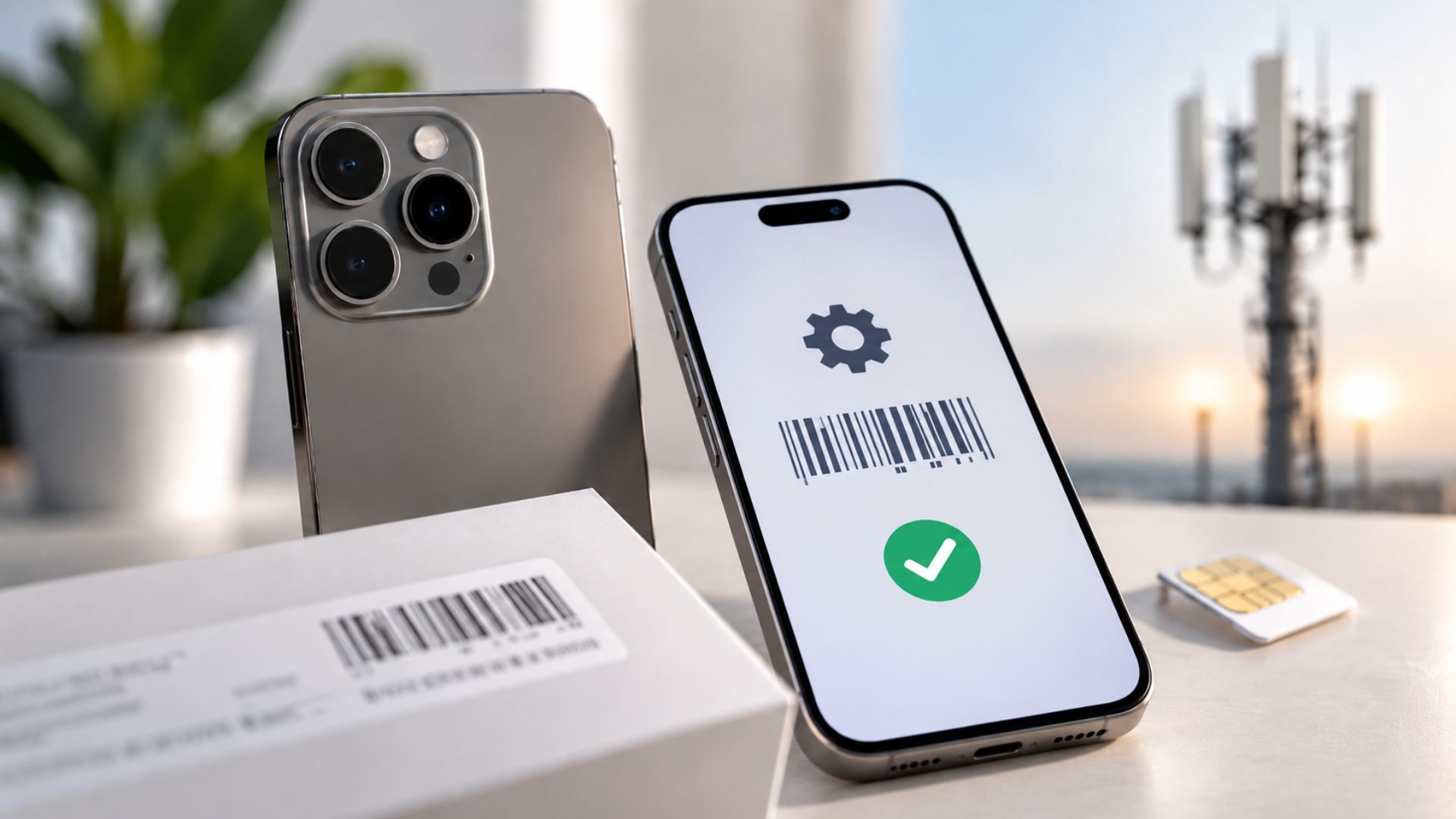
Why IMEI and Device Compatibility Checks Matter Before Activation
Why IMEI and Device Compatibility Checks Matter Before Activation
Wireless dealers hear this all the time:
“The phone is unlocked, so it should work.”
But an unlocked phone is not always a compatible phone.
A device may still fail activation, lose important features, or stop working properly because of its IMEI status, model type, network support, or carrier approval rules.
That is why checking device compatibility before activation matters.
A quick check can help dealers prevent failed activations, reduce returns, protect the store from risky devices, and give customers clearer answers before they leave.
Unlocked and Compatible Do Not Mean the Same Thing
Many customers believe an unlocked device will work with any carrier.
That is not always true.
Unlocked means the phone is not restricted to one carrier.
Compatible means the carrier accepts the device and supports the features the customer needs.
A phone may be unlocked but still have problems with:
Activation
Voice calls
Mobile data
Wi-Fi Calling
5G access
Hotspot service
eSIM setup
That is why dealers should never rely on the word “unlocked” alone.
The device still needs to be checked.
What Is an IMEI?
IMEI stands for International Mobile Equipment Identity.
It is the unique identification number connected to a mobile device.
You can think of it as the phone’s network ID.
Carriers may use the IMEI to:
Confirm whether a phone can activate
Check if the device was reported lost or stolen
Review the phone’s history
Identify the exact device model
Confirm support for network features
Check eligibility for VoLTE or 5G
The IMEI often helps dealers understand whether the phone should work before starting the activation.
What Is a Blacklisted Phone?
A blacklisted phone has been flagged and may not be allowed to activate.
A device may be blacklisted because it was:
Reported lost
Reported stolen
Connected to an insurance claim
Linked to possible fraud
Connected to an unpaid balance, depending on the carrier
Customers may notice that the phone:
Fails during activation
Stops receiving service
Works with one SIM but not another
Loses network access after a short period
A phone can look clean and still have a problem in its history.
That is why checking the IMEI before selling or activating the device is important.
What Is a Whitelist?
A whitelist is a list of devices approved by a carrier for network use.
Some carriers only provide full support to approved device models.
A phone may have the correct network bands and still experience limited service if the carrier has not approved the model.
Possible problems may include:
Failed calls
No VoLTE support
No Wi-Fi Calling
No 5G service
Activation restrictions
Limited service on certain prepaid providers
This is common with international models, uncommon device versions, and some refurbished phones.
Common Reasons a Phone Fails Compatibility
Device compatibility issues can happen for several reasons.
1. The Device Is Unlocked but Not Approved
The carrier may allow only certain models or IMEIs on its network.
The phone may activate with limited features or may not activate at all.
2. It Is an International Model
International phones may use different network bands or software.
The device may not fully support calling, data, or 5G in the United States.
3. The Phone Has a Risky History
A refurbished or secondhand phone may later be reported lost, stolen, or connected to a previous account issue.
4. The Provider Has Different Device Rules
A device that works with a major carrier may not work the same way with every prepaid provider or MVNO.
5. The Model Does Not Support eSIM
Even if the phone supports eSIM technology, the carrier may not support eSIM activation for that exact model.
A Simple Device Compatibility Checklist
Before selling a phone or starting an activation, dealers should follow a simple process.
Step 1: Confirm the Carrier
Ask which carrier or prepaid provider the customer plans to use.
Device rules can be different between providers.
Step 2: Get the IMEI
The IMEI can usually be found in the phone settings or by dialing:
*#06#
Dealers should confirm that the number matches the device being checked.
Step 3: Run a Carrier Compatibility Check
Use the carrier or provider’s official compatibility tool when available.
The result may show whether the device can activate and which features are supported.
Step 4: Confirm Important Features
Check whether the customer needs:
VoLTE
Wi-Fi Calling
5G
Hotspot
eSIM
International service
A phone may activate but still fail to support one of these important features.
Step 5: Explain the Result Clearly
Tell the customer about any limitations before completing the activation.
Clear expectations can prevent future complaints and returns.
Step 6: Keep a Record
When possible, note the compatibility result in the customer record or receipt.
This gives the store a clear history of what was checked and explained.
A Simple Script Dealers Can Use
Dealers do not need to make the explanation complicated.
You can say:
“Unlocked means the phone is not tied to one carrier. It does not always mean every carrier will support it. We check the IMEI first to make sure it can activate and support the features you need.”
This helps the customer understand why the check is necessary.
It also shows that the store is protecting them from a bad activation experience.
What to Check When the Customer Already Owns the Phone
Sometimes the activation is already complete, but the phone is not working correctly.
Dealers can try these steps:
Test the SIM in Another Phone
This helps determine whether the issue is with the line or the original device.
Check the IMEI Again
A device status may change if it is reported after the original sale.
Confirm VoLTE Settings
Make sure VoLTE is turned on and test the calling service.
Review APN Settings
Incorrect APN settings may cause problems with data or picture messaging.
Restart and Update the Device
A software update or restart may help the phone connect properly.
Contact Provider Support
Some lines may need to be refreshed or re-provisioned by the provider.
Why Compatibility Checks Protect the Store
Skipping the compatibility check may save a few minutes at the beginning.
But it can create bigger problems later.
Failed device checks may lead to:
Activation refunds
Customer complaints
Returned devices
Lost staff time
Fraud risks
Negative reviews
Lost customer trust
Running the check protects both the customer and the dealer.
It creates a cleaner activation process and reduces preventable problems.
Good Dealers Set Expectations Before the Sale
Customers appreciate honest answers.
It is better to explain a limitation before activation than to let the customer discover it after leaving the store.
A strong dealer does not simply say, “It should work.”
A strong dealer checks, explains, and confirms.
That kind of service builds trust.
And trust brings customers back.
Build a Stronger Wireless Business With UPD
At Unlimited Prepay Distribution, we believe dealers grow when they have the right knowledge, tools, and support behind them.
Understanding IMEI checks and device compatibility is one small part of running a stronger wireless store.
But it can make a major difference in the customer experience.
UPD helps dealers with practical guidance, training, operational support, and industry experience so they can make better decisions and serve customers with confidence.
Need Better Support for Your Wireless Store?
Connect with Unlimited Prepay Distribution and build your business with a partner that stays involved.


