
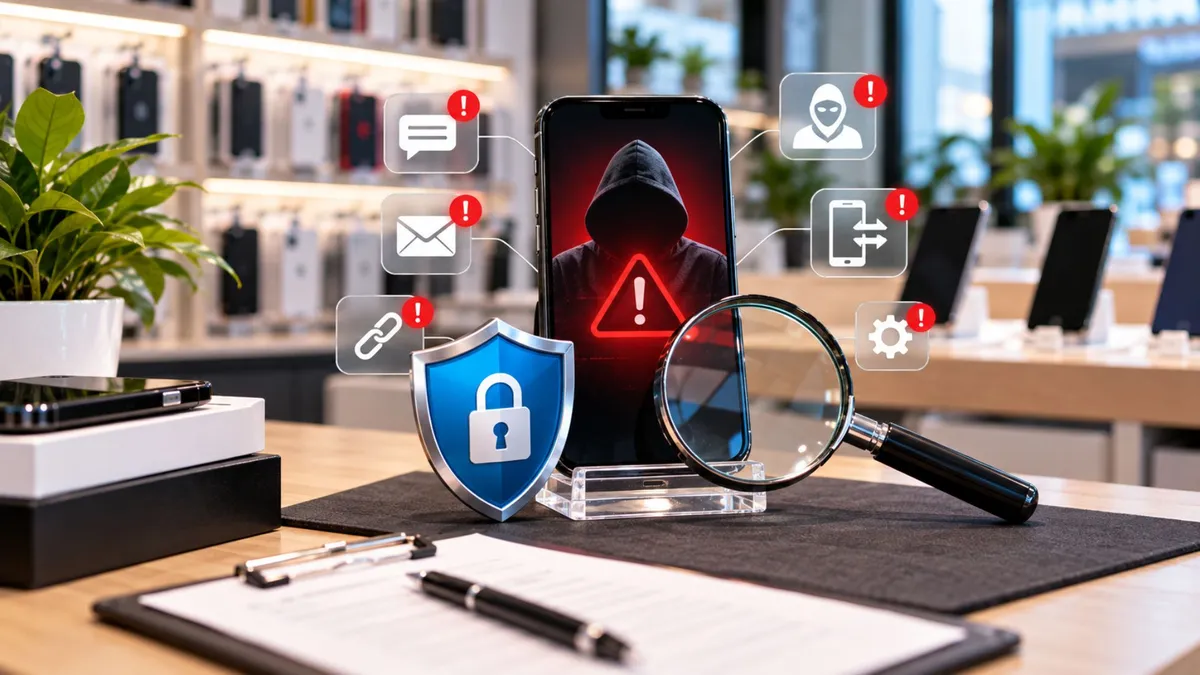
What Wireless Dealers Should Know About Phone Security
What Wireless Dealers Should Know About Phone Security
A customer walks into your store and says:
“I think my phone got hacked.”
That can mean a lot of different things.
Maybe they clicked a fake link.
Maybe they installed a bad app.
Maybe their phone number was moved without permission.
The worst thing a dealer can do is guess.
You do not need to become a cybersecurity expert. But you should know the common warning signs, what questions to ask, and when the customer needs help from their carrier or account provider.
A little knowledge can prevent a much bigger problem.
Security problems do not stay online.
They come back into the store.
Customers may show up because:
Their phone suddenly has no service
Strange apps appeared
They clicked a suspicious link
They cannot access email
Their banking account was affected
They received password-reset messages they did not request
The source points out that these problems can lead to account takeovers, fraud claims, repeat visits, and customer frustration.
For dealers, the opportunity is not to promise a perfect fix.
It is to help the customer understand what may be happening and guide them toward the right next step.
Three common security problems dealers should understand are:
Malware
A harmful app or file that can create unwanted behavior or steal information.
Phishing
A fake message, email, or website designed to trick the customer into giving away passwords or codes.
SIM swap
When someone takes control of a customer’s phone number by moving it to another SIM or eSIM.
The source explains these three problems in simple terms and emphasizes that many attacks work by tricking people into giving access, not by physically “breaking” the phone.
A customer walks in and says:
“My phone suddenly lost service, and now I’m getting emails about password changes.”
Do not immediately assume it is a network outage.
Ask:
Did you request a SIM or eSIM change?
Did you recently click a suspicious link?
Are you receiving login alerts?
Can you still access your email?
If the customer did not request any changes and their number may have been moved, the situation could be serious.
The right move is to help them contact the carrier immediately and secure important accounts.
The goal is speed and clarity.
Not panic.
What Dealers Need to Understand
Malware Usually Starts With Something the Customer Installed or Opened
Customers may describe malware as:
“My phone keeps showing pop-ups.”
“Random apps appeared.”
“My battery suddenly drains fast.”
“The phone keeps getting hot.”
The source lists common causes such as unofficial apps, fake update pop-ups, suspicious downloads, and excessive permissions.
A dealer can help by asking what changed before the problem started.
That might point to a suspicious app or download.
Do not promise you can remove every security problem.
If important accounts are already compromised, the customer may also need to change passwords and secure those accounts.
Phishing Is Often a Trust Problem
Phishing works because the message looks real.
A customer may receive something like:
“Your account will be suspended. Verify now.”
or
“Your package is waiting. Pay a small fee.”
The source recommends two simple rules:
Do not enter passwords through links in unexpected messages
Do not share verification codes with anyone
That is easy advice for dealers to repeat.
Instead of clicking the link, tell the customer to open the real app or go directly to the official website.
SIM Swaps Need Fast Action
A SIM swap can be more serious because the attacker may gain control of the customer’s phone number.
That can let them receive text messages and password-reset codes.
Warning signs can include:
Sudden loss of service
SIM or eSIM change alerts
Unexpected password resets
New-device login alerts
The source recommends treating this as urgent and having the customer contact the carrier immediately to restore control of the number.
Dealers should not try to handle this like a normal activation problem.
The carrier controls the line and account.
Simple Security Setup Can Prevent Problems
Dealers can also help customers with basic protection before anything goes wrong.
Useful steps include:
Strong screen lock
Biometric unlock
Find My Device or Find My iPhone
Updated software
Stronger account protection
Installing apps only from trusted stores
The source recommends these as simple dealer-level safety steps customers can understand.
You do not need to turn the conversation into a security lecture.
Just help the customer cover the basics.
Dealer Tip
Teach your team one simple rule:
Never ask customers for their passwords or verification codes.
Help them navigate the process.
Let the customer type sensitive information themselves.
That protects the customer and the store.
What Customers Actually Care About
Customers usually are not thinking about words like malware or SIM swap.
They are thinking:
“Is my money safe?”
“Can someone get into my accounts?”
“Why did my service stop?”
“What do I need to do right now?”
Your job is to make the answer clear.
Stay calm.
Explain what you know.
Then move the customer to the right next step.
How to Talk About It in the Store
If a customer clicked a suspicious message:
“Do not use that link again. Open the real app directly and change your password if you entered any information.”
If they suddenly lost service:
“If you did not request a SIM change, we should contact the carrier right away and confirm what happened.”
If they have suspicious apps:
“Let’s look at what changed recently and see if there is an app you do not recognize.”
If they ask whether you can fix everything:
“We can help you check the device and guide you through the next steps. If the number or account was taken over, the carrier or account provider will need to handle that part.”
That keeps expectations realistic.
The Business Opportunity
Phone-security help can become part of a stronger customer relationship.
A customer who trusts your store may return for:
Device setup
Replacement devices
Accessories
Data transfer
Future activations
Family referrals
Account guidance
But this should never become a fear-based sales pitch.
Help first.
Protect the customer.
Then solve any real needs that come next.
That is how trust creates long-term business.
What Dealers Should Do Next
1. Train staff on the three common problems
Malware, phishing, and SIM swaps.
2. Teach employees the red flags
Especially sudden loss of service and unexpected account changes.
3. Never collect customer passwords or codes
Let the customer handle sensitive information.
4. Keep the advice simple
Do not overwhelm customers with technical language.
5. Know when to refer
Carrier account problems, stolen money, or serious account takeovers may require help outside the store.
Phone security can feel complicated.
For dealers, it does not have to be.
Know the basic difference between malware, phishing, and a SIM swap.
Know the warning signs.
Know what your store can help with.
And know when to send the customer to the carrier or account provider.
The dealer who gives clear, calm guidance becomes more useful.
And useful stores build trust.
At Unlimited Prepay Distribution, we believe strong dealers need more than wireless programs.
They need practical knowledge, better customer conversations, and real support for the situations that happen inside the store every day.
Connect with UPD and build your wireless business with a team that understands the dealer side.


