
What Wireless Dealers Should Check Before Accepting a Locked Phone Trade-In
What Wireless Dealers Should Check Before Accepting a Locked Phone Trade-In
A customer hands you a phone that looks almost perfect.
The screen is clean. The battery works. The frame looks good.
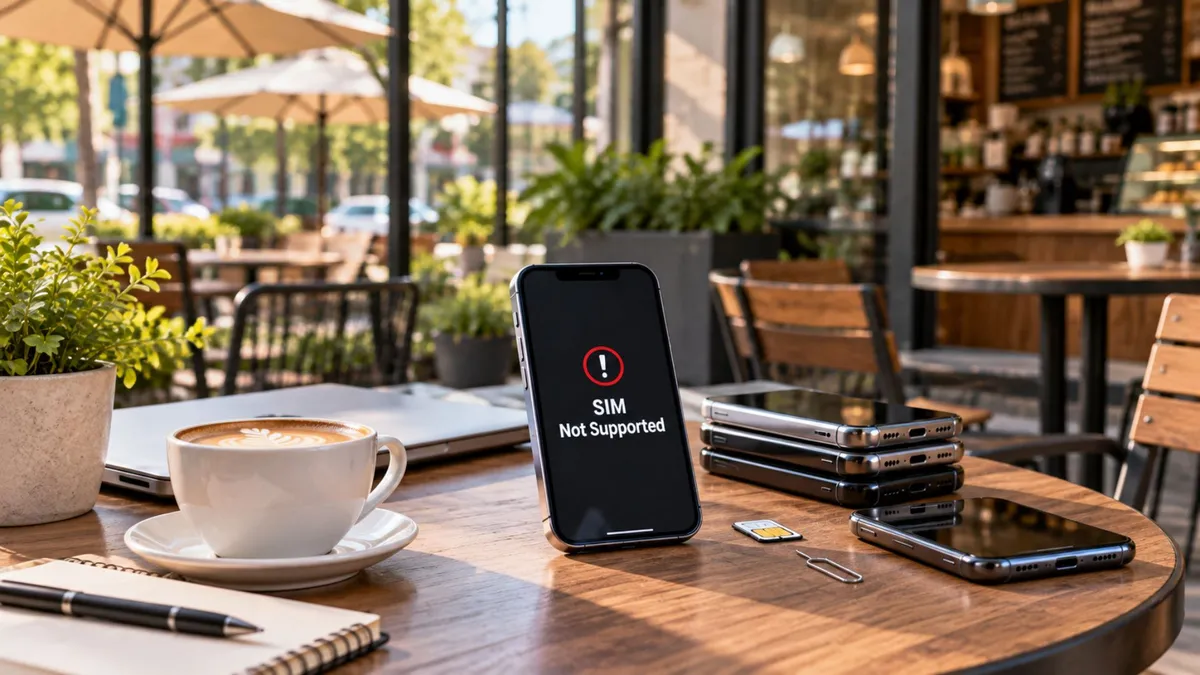
Then your employee tries another SIM and gets:
“SIM Not Supported.”
Now the trade-in is not as simple as it looked.
A phone can be physically clean and still have restrictions that affect whether your store can activate it, resell it, or accept it into inventory.
That is why trade-in inspection should go beyond scratches and cracks.
Before you give a value, check the device status first.
Taking in the wrong device can create problems later.
A phone may be:
Carrier-locked
Blacklisted
Still tied to the previous owner’s account
Incompatible with the service you want to use
Otherwise ineligible under your trade-in program
The source highlights three dealer concerns: credibility with the customer, protecting the store from unusable inventory, and avoiding mistakes that could have been caught with a short upfront check.
That means a few minutes at intake can protect a much larger transaction.
Not every phone “lock” means the same thing.
Carrier Lock
A carrier or SIM lock limits a phone to a specific wireless provider until the device meets that provider’s unlocking requirements. Those requirements vary and can change, so the current provider policy should be checked rather than quoted from memory.
Blacklisted IMEI
A device may have an IMEI status that prevents it from being activated on certain networks.
That is different from a carrier lock.
Apple Activation Lock or Android FRP
These are anti-theft protections tied to the previous owner’s Apple or Google account.
They are not carrier locks.
The source emphasizes this distinction because a carrier may be able to process an eligible carrier unlock, while an account lock generally requires action from the original account owner.
For dealers, the main rule is:
Do not call every restriction “locked.” Find out what type of problem you are dealing with.
A customer walks in with an iPhone they want to trade toward another device.
It looks excellent.
Your employee checks the exterior and immediately gives them a value.
Then, near the end of the transaction, the team discovers the previous Apple account is still attached to the device.
Now the customer says:
“I don’t remember the password.”
Your store has a problem.
The better process would have been:
Check device condition.
Check IMEI.
Check account status.
Check carrier lock.
Then confirm the value.
That order protects the transaction.
What Dealers Need to Understand
Check the IMEI Early
The IMEI identifies the device.
Before treating a phone as clean inventory, check whether the relevant carrier, buyer, or trade-in system considers the device eligible.
The source recommends getting the IMEI and checking its status before moving deeper into the trade-in process.
Do not wait until the customer is already expecting a final value.
Check for Account Locks While the Customer Is Present
If the customer still has access to their Apple or Google account, handle the sign-out process while they are standing there.
That is much easier than trying to reach them later.
The source specifically recommends checking for Apple or Google account locks before accepting the device.
The important point is not to bypass security.
It is to make sure the legitimate owner removes their account correctly before the trade-in is finalized.
Carrier Lock Is Different From Account Lock
This is where many employees get confused.
If the phone displays a message such as “SIM Not Supported” or asks for a network unlock, the issue may be a carrier restriction.
If the phone asks for the previous owner’s Apple or Google credentials after reset, that is an account-security issue.
The source treats these as different problems with different responsible parties.
Your employees should know enough to explain the difference without guessing.
Unlocked Does Not Mean Compatible Everywhere
This is one of the biggest dealer mistakes.
A phone can be fully unlocked and still not be the right fit for every wireless service.
The device may not support everything required by the network or program you are trying to use.
The source specifically warns that “unlocked” should not be treated as the same thing as “works everywhere.”
That means dealers should check:
Lock status + compatibility
before promising an activation.
Do Not Promise Unlock Approval or Timing
Unlocking requirements belong to the provider that controls the lock.
Your store should not promise:
“It will be unlocked tomorrow.”
or:
“They have to approve it.”
Instead:
“Let’s check what restriction is on the phone and what the provider currently requires.”
That keeps the customer informed without making promises your store cannot control.
Know When to Escalate
Some situations should leave the front counter.
The source recommends escalation for disputes involving stolen-device claims, contracts, chargebacks, or uncertain ownership.
That is important.
A salesperson should not try to solve an ownership dispute in order to save a sale.
Protect the store.
Dealer Tip
Use the same trade-in order every time:
IMEI → Account Lock → Carrier Lock → Compatibility → Final Value
Do not let a clean screen convince you the phone is clean inventory.
The physical inspection is only part of the trade-in.
What Customers Actually Care About
Customers usually want to know:
“Can you take this phone?”
“Why can’t I trade it?”
“Can it be unlocked?”
“Can I use it with another service?”
“What do I need to do next?”
Your team should explain the problem simply.
For example:
“The phone itself is working, but it still has a restriction we need to clear or confirm before we can accept or activate it.”
That is better than burying the customer in technical terminology.
How to Talk About It in the Store
If the phone appears carrier-locked:
“The device looks good, but it is still restricted to its current provider. Let’s check their current unlock requirements before we promise it can move.”
If there is an Apple or Google account lock:
“This is not a carrier issue. The original account needs to be removed before we can treat the phone as ready for trade-in.”
If the phone is unlocked:
“Good, it appears unlocked. Now we still need to confirm compatibility with the service you want.”
If the device has a status issue:
“Before we assign a final trade-in value, we need to confirm the device is eligible.”
Short.
Clear.
Professional.
The Business Opportunity
Good lock checks do not only prevent problems.
They can also help preserve customer relationships.
If the customer cannot use the current phone immediately, they may still need:
A prepaid device
A new activation
A temporary service option
A replacement phone
Accessories
Help choosing a compatible device
The source also points out that understanding locks can protect used-device inventory while creating legitimate conversations around service, devices, repairs, and future customer needs.
But the opportunity should come after the explanation.
Do not use a restriction to pressure the customer.
Help them understand their options first.
What Dealers Should Do Next
1. Create a standard trade-in checklist
Every employee should inspect devices in the same order.
2. Check device status before quoting final value
Do not rely only on cosmetic conditions.
3. Remove legitimate account locks before accepting the phone
Have the customer handle their own credentials.
4. Confirm both lock status and compatibility
They are separate questions.
5. Train staff not to promise unlock outcomes
Explain the process and current requirements instead.
A clean-looking phone is not automatically a clean trade-in.
Before your store accepts it, you need to understand:
IMEI status
Account locks
Carrier locks
Network compatibility
Those checks do not have to make the transaction complicated.
They make it safer.
The better your team gets at catching these issues early, the fewer surprises you deal with later.
Check the device before you check the value.
At Unlimited Prepay Distribution, we believe stronger wireless dealers grow by building better processes behind every transaction.
That means smarter activations, clearer customer conversations, better device checks, and real support when questions come up.
Connect with UPD and build your wireless business with a team that understands what dealers face at the counter every day.


