
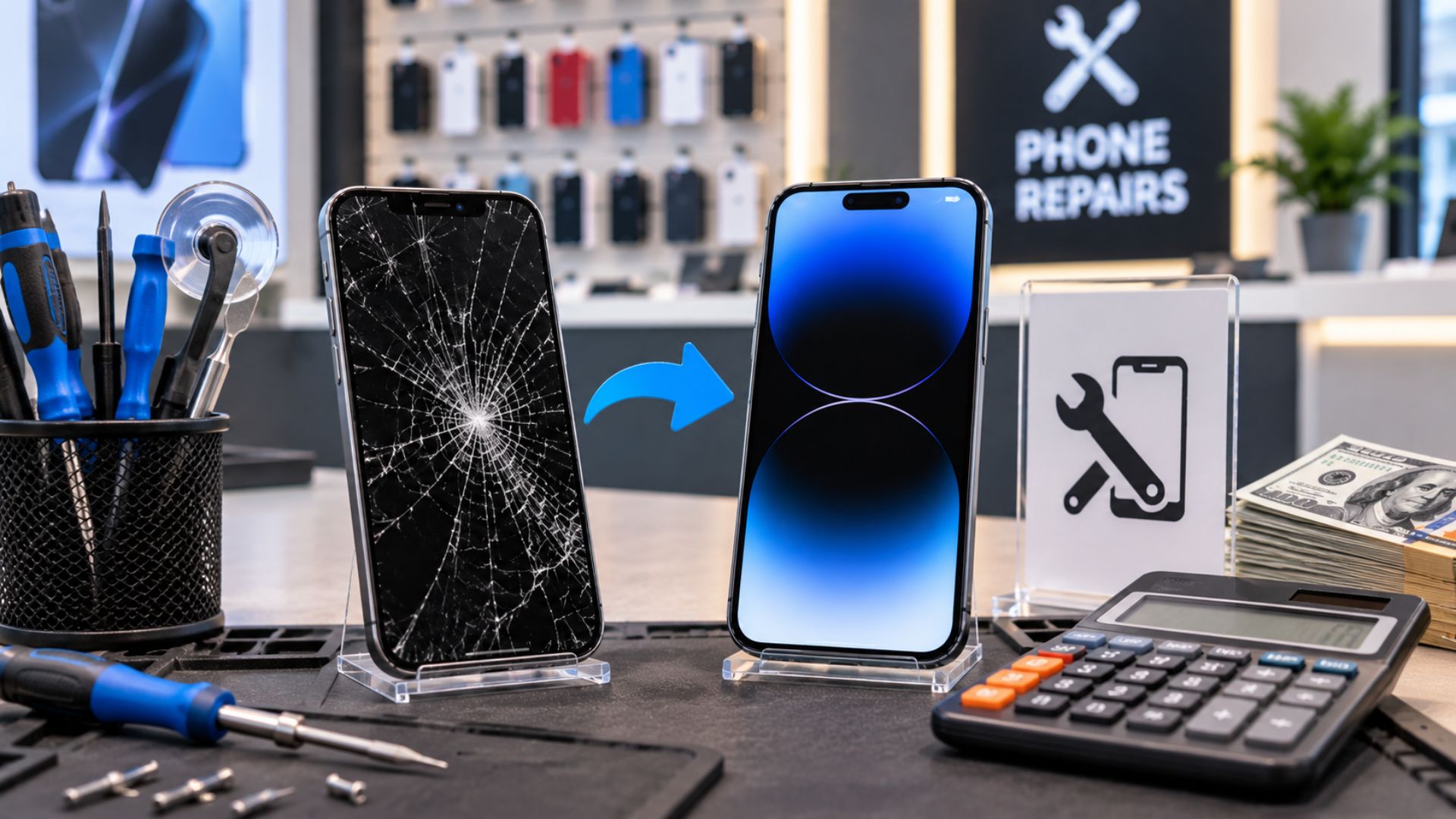
How Wireless Stores Can Price Screen Repairs Without Losing Profit
How Wireless Stores Can Price Screen Repairs Without Losing Profit
Screen replacement is one of the most common services in a wireless store.
It can bring steady traffic and create strong revenue.
But it can also become expensive when repairs are priced too low, parts fail, or customers return with problems that were never clearly explained.
That is why screen repair pricing should not be based only on the cost of the part and the technician’s time.
A strong price needs to cover the full risk of the repair.
That includes parts quality, labor, store costs, warranty exposure, and the chance of having to redo the work.
When wireless stores understand this, screen repairs become easier to manage and more profitable.
Cheap Pricing Can Create Expensive Problems
Many stores look at competitor prices and try to match the lowest number.
That can be risky.
A screen repair may look profitable at first, but one return can erase the profit from several jobs.
Common problems include:
Defective replacement screens
Touchscreen issues
Display lines or dark spots
Poor fit around the frame
Adhesive failure
Sensor problems
Customer disputes
Damage connected to a bent device
The lowest price does not always create the best result.
A better goal is to offer a fair price that allows the store to use dependable parts, complete the repair correctly, and support the customer afterward.
Understand the Real Cost of Every Repair
The replacement screen is only one part of the cost.
Stores should also consider:
Shipping and taxes
Supplier defects
Technician labor
Adhesives and materials
Tool wear
Payment fees
Testing time
Administrative work
Warranty returns
Ignoring these costs can make a busy repair department look profitable when it is actually losing money.
The store should know the full landed cost before setting the customer price.
Use a Margin-First Pricing Formula
A simple pricing structure can help stores account for repair risk.
Retail Price = (Parts Cost × Risk Multiplier) + Labor + Overhead
The risk multiplier helps cover defective parts, rework, and model difficulty.
For example:
Screen cost: $55
Risk multiplier: 1.4
Labor: $60
Overhead: $10
The final repair price would be:
($55 × 1.4) + $60 + $10 = $147
This is only an example.
Every store should set its own labor rates, overhead, and risk level based on the device, supplier, and repair process.
The main point is simple:
Do not price the job as parts cost plus a small flat amount.
Price it for the full work and risk involved.
Offer Clear Screen Quality Options
Not every customer wants the same screen.
Some customers are repairing an older phone and want a lower-cost option. Others care more about brightness, touch response, and long-term performance.
Offering clear quality levels can help the store serve different budgets without lowering every repair price.
Value Option
A basic aftermarket screen for customers who want the lowest practical repair cost.
This option may work well for older devices.
Premium Option
A higher-quality aftermarket screen with better brightness, touch response, and consistency.
This is often the best balance between price and performance.
OEM or Refurbished Option
A higher-grade option that aims to provide performance closer to the original screen.
Availability and cost will depend on the phone model.
Every level should still protect the store’s margin.
A low-price option that creates repeated returns is not a good offer.
Explain the Difference in Simple Language
Customers may not understand technical screen grades.
The sales conversation should be easy to follow.
A simple script could be:
“We have three screen options. The main difference is the display quality, touch performance, and long-term reliability. Most customers choose the Premium option because it gives a good balance between price and quality.”
This gives customers a clear choice without using confusing technical language.
It also helps the employee focus on value instead of only price.
Build a Clear Warranty Policy
A warranty can make customers feel more confident.
But the warranty needs to explain exactly what is covered.
A strong screen repair warranty may cover:
Display defects
Dead pixels
Screen lines
Backlight problems
Touch failure caused by the replacement part
Adhesive problems caused by installation
Fitment problems connected to the repair
The warranty should normally exclude:
New cracks
Chips
Drops
Pressure damage
Liquid exposure
Damage after pickup
Problems caused by a bent frame
Unrelated device issues
Clear terms reduce confusion and protect both the customer and the store.
Keep the Warranty Easy to Understand
Customers should not need to read a long document to understand the policy.
A simple explanation could be:
“The warranty covers a defect with the replacement screen or our installation. It does not cover a new crack, drop, pressure damage, or liquid exposure after pickup.”
That conversation should happen before the repair begins and again when the device is returned.
The warranty should also appear on the receipt or repair agreement.
Choose a Warranty Length That Matches Your Parts
A longer warranty can build trust, but only when the store has dependable parts and a controlled repair process.
Many stores use a warranty period between 30 and 90 days for screen repairs.
The right length depends on:
Supplier quality
Screen type
Repair history
Device model
Defect rate
Store policy
Stores should track returns by supplier and model.
If one part creates repeated problems, the store should change the supplier or stop offering that option.
Test Every Device Before Returning It
Many screen repair returns can be prevented with a simple quality check.
Before giving the device back, test:
Touch response across the entire screen
Screen brightness
Auto-brightness
Front camera
Proximity sensor
Speaker
Microphone
Charging
Face ID or Touch ID
Display color and screen functions
The technician should also check the edges of the display, where touch problems can be missed.
Record the results on the invoice or repair form.
Good documentation helps prevent disputes and gives the store proof that the device was tested.
Check the Frame Before Quoting the Repair
A bent frame can cause a new screen to fail.
The replacement may not sit correctly. The screen may lift, crack under pressure, or develop touch problems.
Before accepting the job, inspect:
Corners
Side rails
Screen opening
Previous impact damage
Signs of bending
Gaps around the frame
If the frame is damaged, the store has several choices:
Add a risk charge
Offer the repair with limited warranty coverage
Recommend frame replacement
Decline the job
A simple customer explanation could be:
“The frame is bent, so the new screen may not sit perfectly and could fail again. We can attempt the repair, but the warranty will be limited because of the existing frame damage.”
It is better to explain the risk before the repair than argue about it later.
Use Better Suppliers, Not Just Cheaper Suppliers
Low-cost parts are not always low-cost in the long run.
A cheap screen that comes back can cost the store:
Another part
More technician time
Refund pressure
Lost customer trust
Negative reviews
Delayed repairs for other customers
Track part quality by supplier and phone model.
Useful information to record includes:
Number of screens purchased
Number of defective parts
Number of warranty returns
Common failure type
Supplier response
Replacement speed
This helps the store understand which suppliers support profit and which ones create hidden costs.
Document the Device During Intake
Before starting the repair, take clear photos of:
The front
The back
Every corner
The frame
Existing cracks
Existing dents
Camera lenses
Any visible damage
Also test the device when possible.
Record:
Touch response
Display condition
Charging
Cameras
Speakers
Biometrics
Existing warnings or errors
This protects the store from claims about damage that was already present.
A strong intake process also helps the technician understand the condition of the device before opening it.
Do Not Compete Only on Price
Some customers will always ask for the cheapest repair.
But a store should not damage its reputation or margin just to win every job.
Customers also care about:
Part quality
Repair speed
Warranty support
Technician skill
Clear communication
Confidence that the phone will work properly
A useful value statement could be:
“A screen replacement is more than new glass. It affects touch response, brightness, and how the phone works every day. Our price allows us to use dependable parts, test the device, and support the repair.”
That helps the customer understand what they are paying for.
Review Repair Profit Every Month
Stores should review screen repair performance regularly.
Track:
Number of repairs
Average repair price
Parts cost
Labor time
Warranty returns
Refunds
Supplier defects
Profit by device model
Profit by screen quality level
Some repairs may look busy but produce weak profit.
Others may create strong profit with fewer problems.
The numbers help the store decide what to keep, change, or stop offering.
Better Pricing Creates Better Repairs
Strong screen repair pricing protects more than profit.
It gives the store enough room to:
Use better parts
Pay technicians fairly
Complete proper testing
Support valid warranty claims
Communicate clearly with customers
Maintain a strong reputation
The goal is not to charge the highest price.
The goal is to charge a price that supports quality work and a healthy business.
Build a Stronger Wireless Business With UPD
Unlimited Prepay Distribution helps wireless dealers build stronger businesses through practical support, industry guidance, and long-term partnership.
A strong wireless store is not built on activations alone.
It is built through better systems, better service, and smarter decisions that protect profit.
Connect with Unlimited Prepay Distribution and build with a partner that stays involved.


