
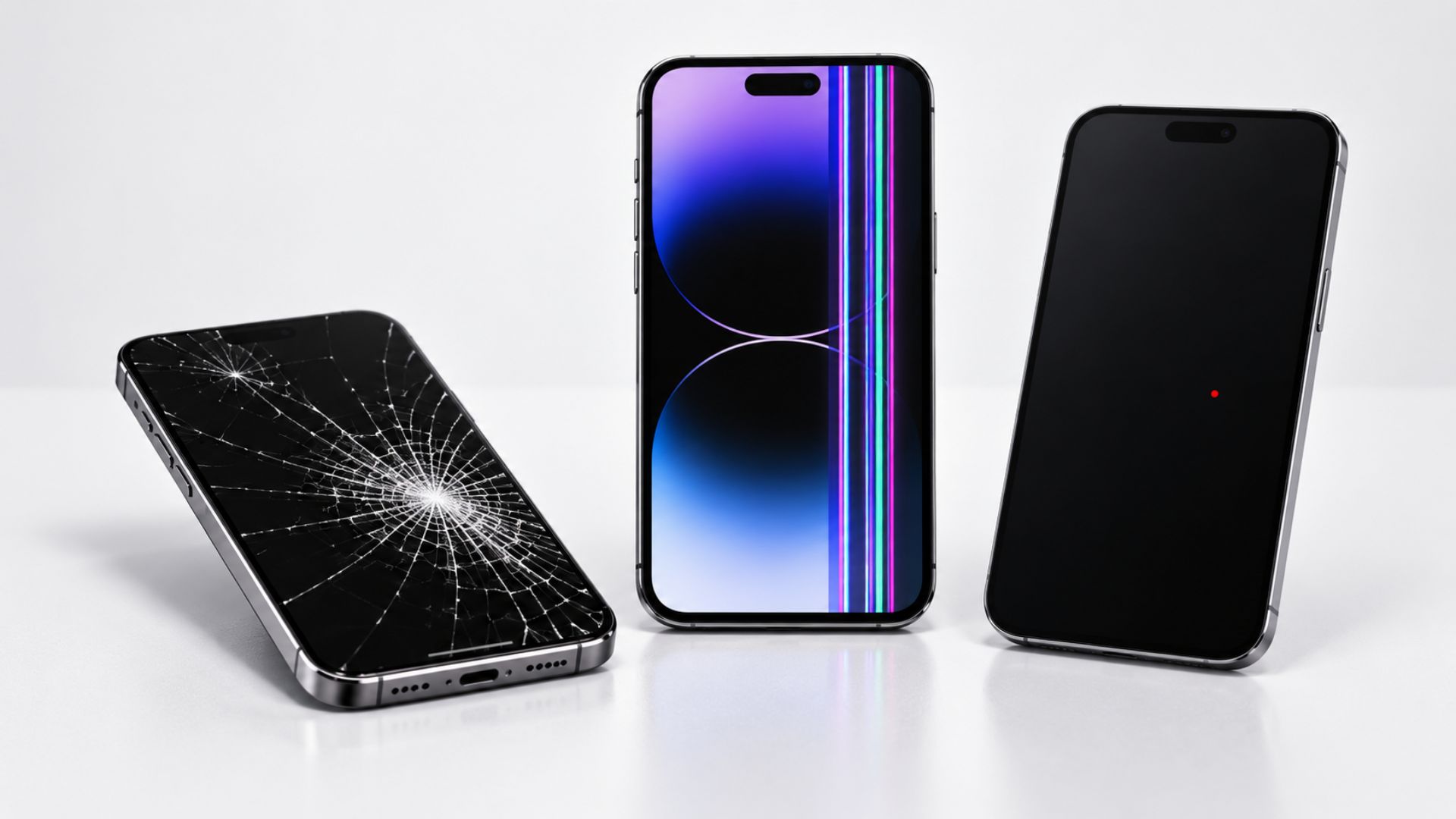
How Wireless Dealers Can Handle Defective New Phones Without Losing Customer Trust
How Wireless Dealers Can Handle Defective New Phones Without Losing Customer Trust
A customer buys a brand-new phone.
A few days later, the phone starts having problems.
Maybe it will not charge. Maybe the screen freezes. Maybe the device keeps restarting. The customer returns to the store expecting a simple replacement.
This is where trust can be won or lost.
If the process is not explained clearly, the customer may expect another new phone but receive a refurbished replacement instead. Even when the dealer did not create the policy, the customer may still blame the store.
That is why wireless dealers need a clear process for defective devices.
The goal is not only to solve the phone problem. It is to guide the customer toward the right option, explain the next steps, and prevent surprises.
Start by Checking the Return Window
The first step should be checking when the device was purchased.
A defective phone may be handled differently depending on whether the customer is still inside the return or exchange period.
When the customer is within the approved return window, an exchange may be available. When that window has already passed, the device may need to go through the manufacturer or carrier warranty process.
That difference matters.
An exchange may lead to a new replacement device, depending on the exact policy and available inventory.
A warranty replacement may be refurbished or certified pre-owned.
Dealers should never promise a new device before confirming the policy.
Instead, explain the process clearly:
“Let’s check your purchase date and confirm whether this can still be handled as an exchange or if it needs to go through warranty.”
That keeps the conversation honest and prevents false expectations.
Explain the Difference Between an Exchange and a Warranty Claim
Many customers believe every defective device is handled the same way.
It is not.
An exchange usually happens during the seller’s approved return period. The original device was returned because it had a problem shortly after purchase.
A warranty claim normally happens after the return period or when the device must be handled through a repair or replacement program.
The customer may receive:
A repaired device
A refurbished replacement
A certified replacement
Another device based on current inventory
The exact result depends on the carrier, manufacturer, sales channel, device, and policy.
Dealers should explain these differences before starting the process.
Clear information protects the relationship.
Do Not Guess the Return Period
Return and exchange rules can change.
They may also be different based on:
The carrier
The device
The promotion
The store or sales channel
Whether the purchase was made online
Whether the phone was financed
The customer’s account type
That is why dealers should verify the exact policy for each customer.
Do not rely only on memory.
Confirm:
Purchase date
Last eligible exchange date
Device condition
Required documents
Possible fees
Replacement options
A quick policy check can prevent a long customer complaint later.
Help Customers Use Clear Language
Customers often begin by saying:
“I need to file a warranty claim.”
But that may not be the best first step if they are still eligible for an exchange.
A clearer way to describe the problem is:
“This device is defective, and I am still within the return or exchange window. I would like to check whether it qualifies for an exchange.”
This does not guarantee a new device.
It simply helps the customer ask for the correct process to be reviewed first.
The dealer should still verify all terms before making any promise.
Prepare Customers Before They Return
Missing items can slow down an exchange.
Before the customer comes back, tell them what they may need to bring.
That can include:
The phone
The original box
Included accessories
Purchase receipt or order information
Photo identification
Account details
Payment information, if required
The store should also explain whether the device needs to be erased or unlocked before it can be accepted.
A simple checklist saves time for both the customer and the employee.
Document the Device Condition
Dealers should inspect the device carefully before beginning the process.
Take clear notes and, when allowed, photos showing:
Front and back condition
Screen condition
Frame damage
Cracks or impact marks
Liquid exposure indicators
Charging port condition
The reported issue
This helps separate a possible device defect from accidental damage.
It also protects the store if the condition of the phone is questioned later.
Strong documentation is not about making the process harder.
It is about making the outcome clearer.
Be Careful With Restocking and Exchange Fees
Some exchanges may include fees.
However, the rules may be different when the device is confirmed to be defective.
Dealers should verify whether a fee applies before collecting payment or making promises.
The customer should understand:
Why the fee exists
Whether it can be waived
Who makes that decision
What happens if the device is found not to be defective
Never tell the customer a fee will definitely be removed unless that has already been approved.
Clear expectations are better than a promise the store cannot keep.
Do Not Turn a Device Problem Into an Unwanted Sale
A defective device can create a stressful situation for the customer.
That is not the right time to push an extra line, another financing agreement, or a complicated workaround without fully explaining the cost.
Be careful when a proposed solution requires:
Adding a new line
Starting another device payment
Opening a new account
Keeping both devices
Paying extra monthly charges
Extending a financing term
These options may be useful in some situations, but the customer must understand exactly what they are agreeing to.
Put important terms in writing.
The customer should know:
The new monthly cost
The length of any agreement
Which device must be returned
Whether another line can be canceled
Any early payoff amount
Any promotion requirements
Solving one problem should not create a larger one.
Protect the Customer’s Data
A device exchange is not only about hardware.
The customer may have important photos, contacts, messages, apps, and account information on the phone.
Before the old device is returned, help the customer confirm that their data is backed up.
Depending on the store’s services, support may include:
Contact transfer
Photo and video backup
App setup
Email login
Account recovery
eSIM or SIM setup
Security checks
Factory reset assistance
Some of these services may be included. Others may be offered as paid setup support.
The price and service level should always be explained before the work begins.
Offer Helpful Services After the Replacement Arrives
A replacement phone creates another opportunity to help the customer.
The store may offer:
Data transfer
Device activation
eSIM setup
App installation
Email setup
Security updates
Screen protector installation
Case fitting
Basic device training
These services can save the customer time and reduce frustration.
The goal is not to take advantage of a device problem.
It is to make the replacement process easier and more complete.
Recommend Protection Based on the Customer’s Needs
After the replacement is ready, check whether the customer needs updated protection.
Useful products may include:
A properly fitted case
A screen protector
A quality charging cable
A compatible wall adapter
Device protection options
Backup power
Keep the recommendation practical.
Explain why the product may help, and let the customer decide.
Helpful selling builds trust. Pressure damages it.
Create a Store Process for Defective Devices
Every employee should follow the same basic steps.
A simple process may look like this:
Confirm the purchase date.
Check the exact return or exchange policy.
Inspect and document the device.
Confirm whether the issue may be damage or a defect.
Explain exchange and warranty options.
Review possible fees and replacement types.
Help the customer back up important data.
Complete the required paperwork.
Explain the next step and expected timeline.
Follow up when the replacement is ready.
Consistency helps prevent mistakes.
It also makes the customer experience feel more professional.
Avoid These Common Dealer Mistakes
Promising a New Replacement Too Early
The store should confirm eligibility and inventory before promising a new device.
Starting the Wrong Process Without Checking
Always review whether the customer is still eligible for an exchange before moving directly to warranty.
Failing to Explain Refurbished Replacements
Customers should know that warranty replacements may not be factory-new.
Ignoring Device Condition
Cracks, liquid exposure, and frame damage may affect eligibility.
Forgetting About Customer Data
A replacement process can become much worse if the customer loses important information.
Using a Confusing Workaround
Extra lines and financing changes should never be presented without clear written terms.
Blaming the Carrier
Even when the store does not control the policy, blaming another company rarely helps. Focus on guiding the customer through the best available option.
Good Guidance Creates Loyal Customers
A defective phone is frustrating.
But it can also become a moment that builds long-term loyalty.
Customers remember the store that:
Explained the process honestly
Checked the policy carefully
Protected their data
Prevented surprise charges
Helped set up the replacement
Stayed involved until the problem was resolved
That kind of service can be more valuable than the original sale.
Customers may forget the exact plan they purchased.
They usually remember who helped when something went wrong.
Build a More Trusted Wireless Store With UPD
Unlimited Prepay Distribution helps wireless dealers build stronger businesses through practical guidance, ongoing support, and real industry experience.
Strong stores do more than complete activations.
They create clear processes, support customers after the sale, and protect trust when problems happen.
When your team knows how to handle difficult situations professionally, your store becomes a business customers are more likely to return to and recommend.
Ready to Strengthen Your Wireless Business?
Connect with Unlimited Prepay Distribution and build with a partner that stays involved.


