
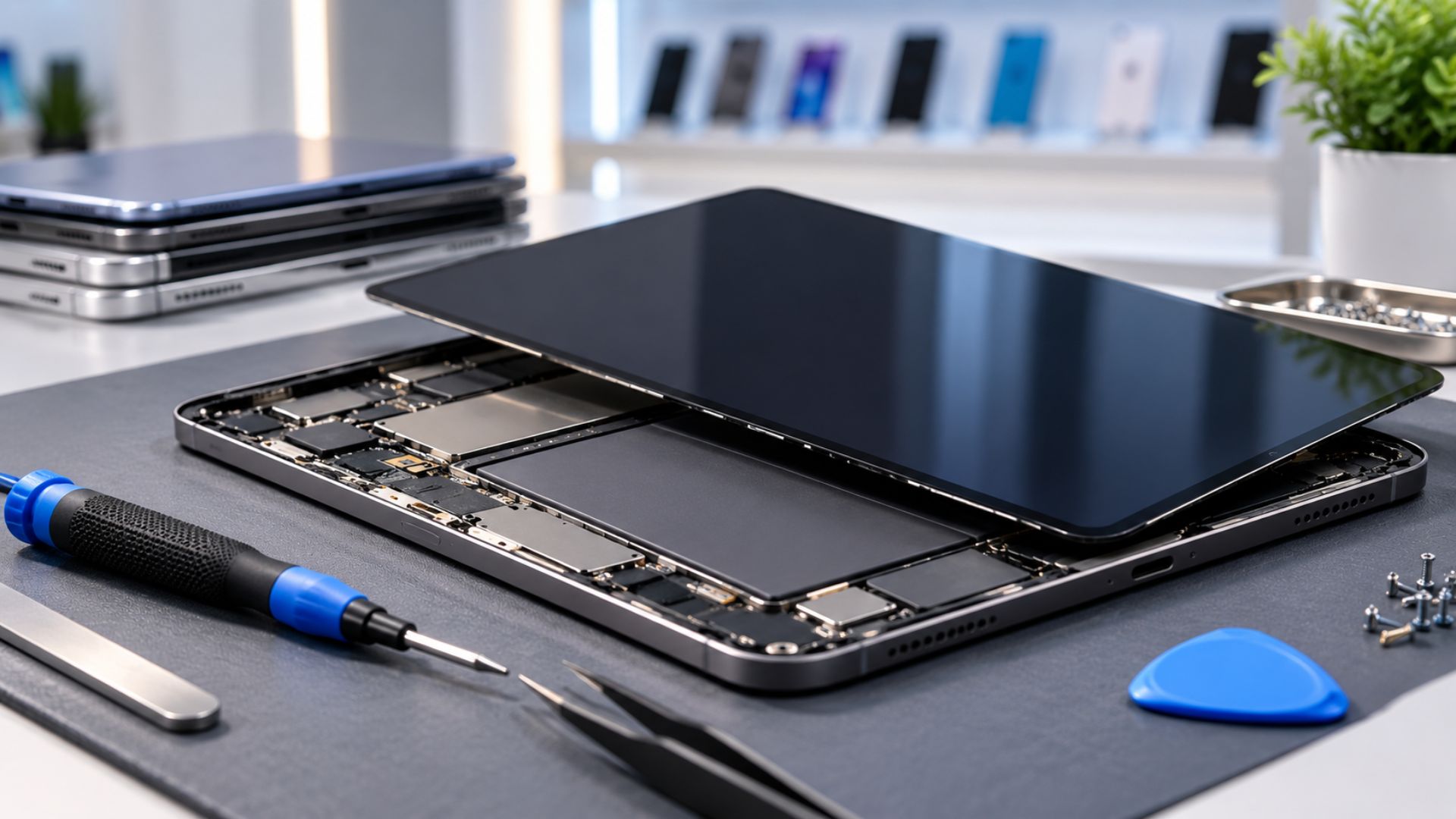
How Tablet Repairs Can Create More Revenue for Wireless Stores
How Tablet Repairs Can Create More Revenue for Wireless Stores
Wireless stores already help customers with phones, plans, activations, and accessories.
Tablet repairs can create another useful service for the same customers.
Families, students, schools, and small businesses depend on tablets every day. When a screen breaks, a battery stops holding a charge, or a device will not turn on, many customers would rather repair it than replace it.
That creates an opportunity for wireless and repair stores.
But tablet repairs need a different process from phone repairs.
Tablets are larger, parts can cost more, and one mistake can quickly reduce the profit from the repair. The best approach is to begin with simple, high-demand services and build your repair menu carefully.
Why Tablet Repairs Can Be Worth Offering
Tablet repairs often have a higher service value than basic phone repairs.
Customers also tend to keep tablets for several years, which creates steady demand for screen, battery, charging, and accessory services.
Adding tablet repairs may help a store:
Increase the value of each customer visit
Create another source of service revenue
Bring previous customers back
Serve families and small businesses
Sell more accessories after the repair
Build a stronger local reputation
The opportunity is strong when the store controls pricing, intake, repair quality, and customer expectations.
Start With a Paid Diagnostic Service
Before adding a full tablet repair menu, create a clear diagnostic process.
Customers often describe the problem by saying:
“It will not charge.”
“It suddenly stopped working.”
“The screen is lifting.”
“The battery dies too fast.”
“It will not turn on.”
Those symptoms do not always point to one simple repair.
A diagnostic service gives the technician time to inspect the device before promising a price or repair.
The intake process should include:
Confirming the exact tablet model
Testing the charger and cable
Checking the charging port
Inspecting for frame damage
Looking for signs of liquid exposure
Testing the screen and touch functions
Explaining the next step before work begins
This protects the store from spending too much unpaid time on difficult cases.
Offer Screen Repairs Carefully
Broken tablet screens are one of the most common repair requests.
They can also create some of the biggest risks.
Tablet glass is large and fragile. Strong adhesive can make removal harder, and a bent frame can cause a replacement screen to lift or break again.
Stores should begin with models they understand and can source reliable parts for.
Possible services include:
Glass replacement when the display still works properly
Full screen assembly replacement
Touchscreen replacement
Screen and frame inspection
Before accepting the job, photograph the device from every side.
Check:
Existing cracks
Touchscreen response
Display quality
Frame condition
Previous repair damage
Signs of bending or impact
Clear documentation can prevent confusion when the customer returns.
For stores that do not yet have a controlled glass-only process, replacing the full display assembly may be easier to manage, even when the part costs more.
Battery Replacement Can Be a Strong Service
Tablet batteries lose performance over time.
Customers may notice:
Fast battery drain
Unexpected shutdowns
Slow charging
Reduced performance
A screen beginning to lift
The tablet becoming unusually warm
Battery replacement can be a useful and repeatable service when the store uses dependable parts.
Low-quality batteries may cause swelling, charging problems, and customer returns. Stores should track which suppliers and parts produce the best results.
Battery repairs should also include clear safety checks, especially when swelling is present.
Diagnose Charging Problems Before Replacing the Port
A tablet that will not charge does not always need a new charging port.
The problem could come from:
A damaged cable
A weak adapter
Dirt inside the port
Battery failure
Software problems
Internal board damage
Start with basic testing before quoting a port replacement.
Use a known working cable and adapter. Inspect the port for debris or physical damage. Check whether the battery responds to power.
Only offer the replacement when the store has the tools and skill to complete it reliably.
Some tablets use parts that can be replaced more easily. Others require soldering or advanced board work.
Stores without board-level repair experience should refer those cases to a trusted specialist.
Accessories Create Easy Add-On Opportunities
Tablet repairs also create natural accessory sales.
After spending money on a repair, customers are often more open to protecting the device.
Useful add-ons include:
Protective cases
Screen protectors
Charging cables
Power adapters
Stylus options
Stands and mounts
Backup power products
The recommendation should match the customer’s actual needs.
A customer replacing a broken screen may benefit from a strong case and screen protector. A customer with charging problems may need a better-quality cable or adapter.
Helpful add-ons increase the value of the visit without making the sale feel forced.
Avoid High-Risk Repairs Until the Store Is Ready
Not every repair should be accepted.
Some tablet problems require advanced equipment, more time, and greater technical skill.
Stores should be careful with:
Liquid damage
Board-level no-power repairs
Cellular signal problems
Intermittent touch issues
Complex micro-soldering
Heavily bent frames
Devices with extensive previous repair damage
These jobs can create long bench time and a higher chance of customer disputes.
It is better to refer a repair than accept work the store cannot complete confidently.
Building a trusted referral relationship with a specialist can still help the customer while protecting the store.
Price Tablet Repairs for the Real Risk
Tablet repairs should not be priced like phone repairs.
The parts are often more expensive. The devices may require more heat, more adhesive, more labor, and longer clamping time.
Pricing should account for:
The full cost of the part
Shipping and supplier fees
Technician labor
Adhesives and repair materials
Repair difficulty
Warranty risk
The possibility of a redo
A repair that looks profitable before labor and risk may not be profitable after one return.
The price should leave enough room for the store to complete the work properly and still protect its margin.
Create Clear Warranty Terms
Customers need to understand what the repair warranty covers.
A simple tablet repair warranty may cover:
Defective replacement parts
Problems related to the installation
Issues directly connected to the completed repair
It should normally exclude:
New cracks
Drops and impact damage
Liquid exposure
Damage caused after pickup
Problems connected to an already bent frame
Unrelated internal problems
The store should also explain that water resistance cannot be guaranteed after a device has been opened.
Clear terms protect both the customer and the business.
Prepare the Right Repair Setup
Tablet repair requires enough space and the right tools.
Before launching the service, stores should prepare:
A controlled heat source or heat mat
Large-screen clamps
A flat pressing area
Quality repair tools
Strong intake forms
Device photography procedures
Reliable parts suppliers
A system for tracking repairs and warranties
A list of specialists for advanced jobs
The process matters as much as the repair skill.
Good documentation and organization reduce mistakes and make customer communication easier.
Build the Service Slowly
Stores do not need to offer every tablet repair immediately.
A safer starting menu may include:
Paid diagnostics
Screen replacements on selected models
Battery replacements
Basic charging checks
Port replacements on supported models
Cases, protectors, and charging accessories
As the team gains experience, the store can add more models and services.
Starting with a controlled menu helps protect quality and customer trust.
Tablet Repair Can Strengthen the Whole Store
Tablet repair is not only another technical service.
It can also support the store’s larger business.
A repair customer may also need:
Wireless service
A hotspot
A phone upgrade
Accessories
Device setup
Additional family lines
Every repair visit creates an opportunity to understand the customer’s full need.
The strongest stores do not only fix one problem.
They help the customer leave with a better overall solution.
Grow Your Wireless Business With UPD
Unlimited Prepay Distribution helps wireless dealers build stronger, more complete retail businesses.
From wireless programs and dealer support to practical guidance for store growth, UPD works with dealers who want to create more value for their customers.
Adding the right services can help a store increase traffic, strengthen relationships, and create more opportunities from every customer visit.
Ready to Build a Stronger Wireless Store?
Connect with Unlimited Prepay Distribution and build with a team that stays involved.


